MEGAFORM FOR DNN
Advanced forms.
Native to DNN.
Turn an idea into a form that looks right, connects to your data, and gets work done.
Start with a gallery design, follow the guided Wizard, or shape your form with AI. Manage fields, submissions and workflows from the DNN Persona Bar.
- Visual builder
- AI assistance
- Your SQL data
● ● ●THE GUIDED WIZARDDNN
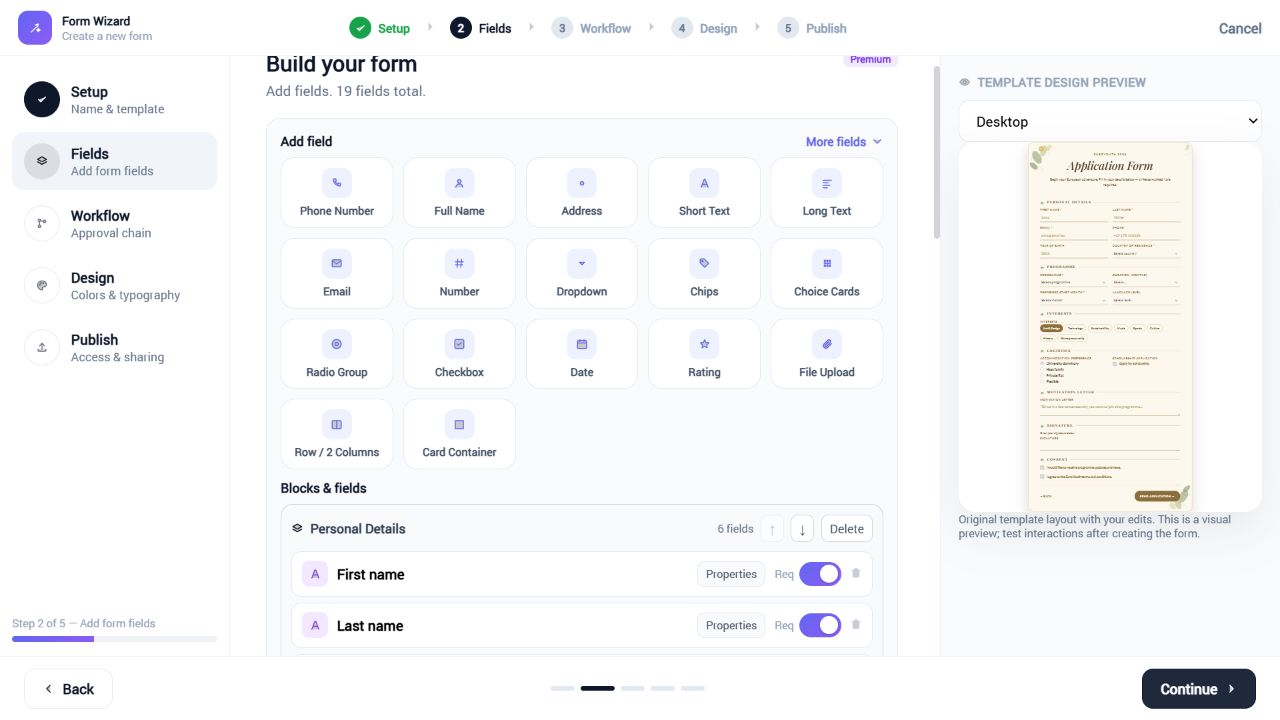 Make the template yours. Keep its design.Open screenshot ↗
FROM FIRST IDEA TO FINISHED FORM
Start your way. Refine every detail.
A template gives you a head start. The Wizard and builder give you control over what comes next.
01Pick a starting point
Choose a live gallery design, import an existing form, or begin with a blank canvas. Keep the visual style while adapting the form to your project.
02Build with a clear structure
Edit field properties before saving. Move or delete whole blocks with their headings and fields. Empty groups are cleaned from the preview and the created form.
03Connect, preview, publish
Choose where responses are stored, configure the workflow and access settings, then preview your design before placing it on a DNN page.
AI ASSISTANT
Describe the change.
Keep the creative control.
Use natural language to create a form or refine the one you already have. Start from a gallery design, then ask for the fields and structure your project needs.
- Create a first draft from a written brief
- Refine an existing template in the builder
- Review and adjust field settings yourself
Explore AI form design →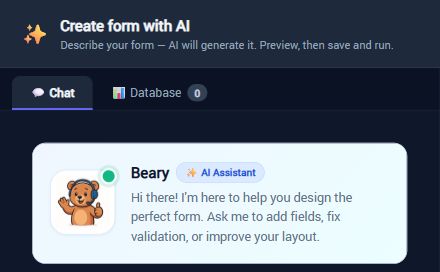 Your form-design assistant, ready to help.Open screenshot ↗
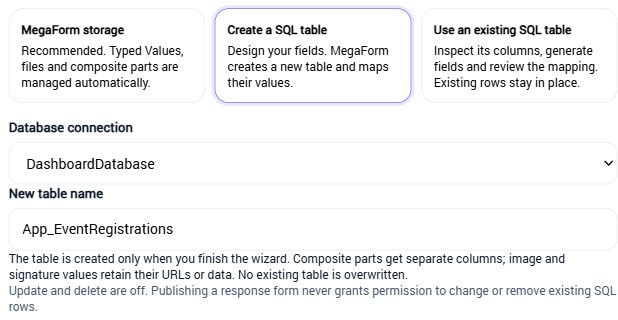 Choose your data source before you publish.Open screenshot ↗
SQL & SUBMISSION DATA
Your form.
Your data model.
Let MegaForm manage responses with Typed Values, create a new SQL table, or generate a form from an existing writable table.
- Review the allowed connection and table mapping
- Map composite field parts to dedicated columns
- Work with uploaded files, images and signatures
Read the data & SQL guide →
↳Flexible fields & layouts
Composite names and addresses, choices, uploads, signatures, rows and multi-step forms.
⇢Workflows & approvals
Connect submissions to notifications, approval steps, webhooks and database actions.
≡Submissions & permissions
Review responses, control access and manage forms within your DNN administration.
Find the right starting point.
Try a live design from the gallery, then make it work for your DNN site.
Questions about MegaForm for DNN? daoa@dnndefender.com