Not rated yet
Configuring the AI assistant (DNN)
The AI Designer needs a model behind it. Configuration is one
panel: dashboard → Settings → AI Settings.
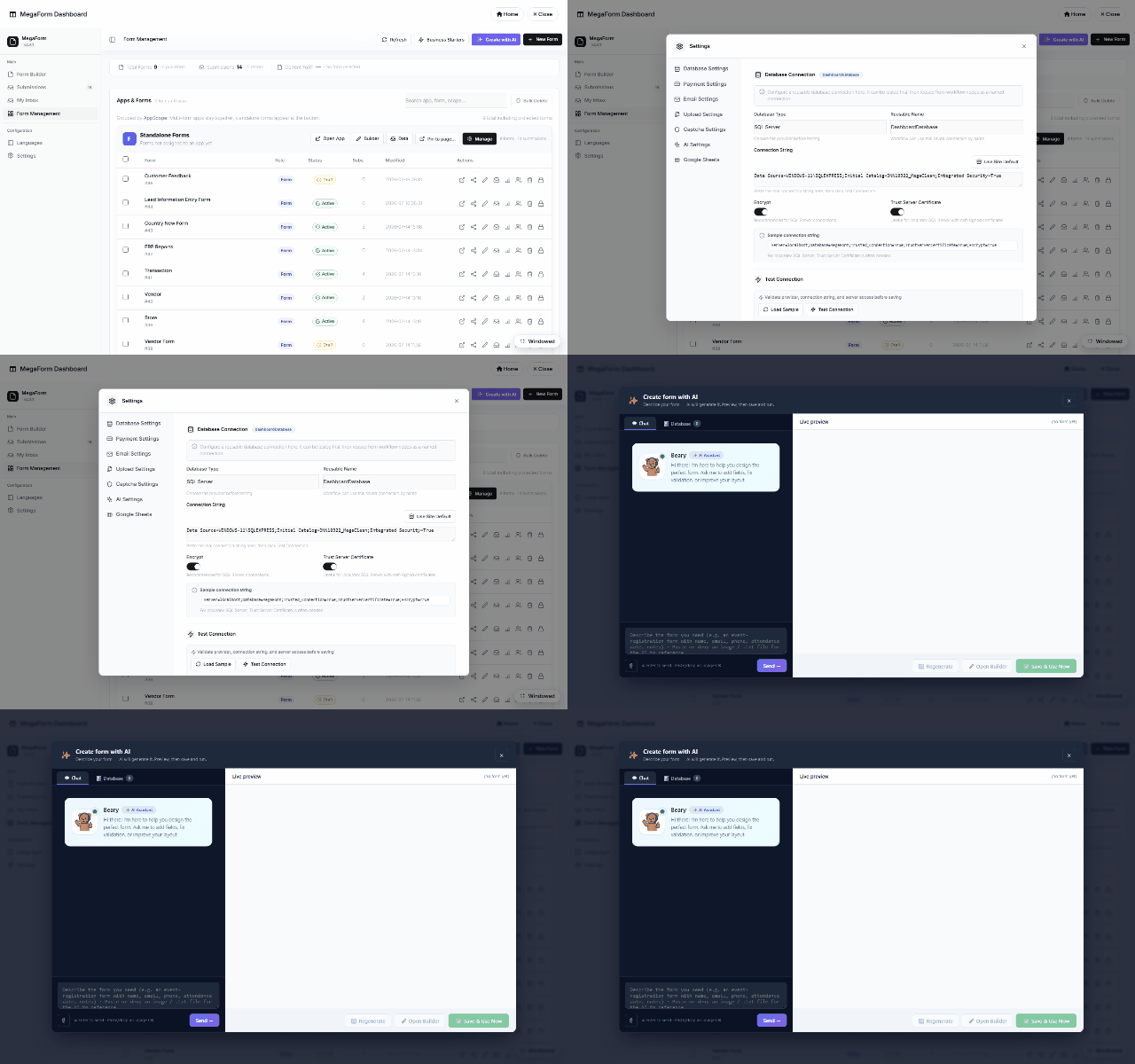
What you set
| Setting |
Notes |
| Provider |
OpenAI-compatible endpoints (OpenAI, Azure OpenAI, or any compatible base URL). |
| Base URL / Model |
e.g. https://api.openai.com/v1 + gpt-4o. |
| API key |
Stored server-side as a protected site setting — it never ships to the browser and is not part of any export. |
| Enabled |
Master switch for the whole AI surface. |
Save, then open the builder — the ✨ AI Designer and the dashboard's Create with AI light up
immediately. If the key is missing or the license is trial-locked, the AI buttons explain
instead of failing silently.
Scope & safety
- The key is per-site; multi-portal installs configure each portal separately.
- The AI surface is admin-only — visitors never trigger model calls.
- Model calls carry the form-design catalog, not your submission data; database-aware design
reads schema metadata over allow-listed connections with SELECT-only proof queries
(see AI form designer).
- The same key powers Translate (AI) in the Languages manager.
Was this page helpful?