Not rated yet
Drag & drop layout (DNN)
Forms aren't single columns. The palette's Layout group builds structure — rows with
columns, a 12-column flex grid, section breaks, HTML blocks — and every field on the canvas can
be dragged into place by its handle.
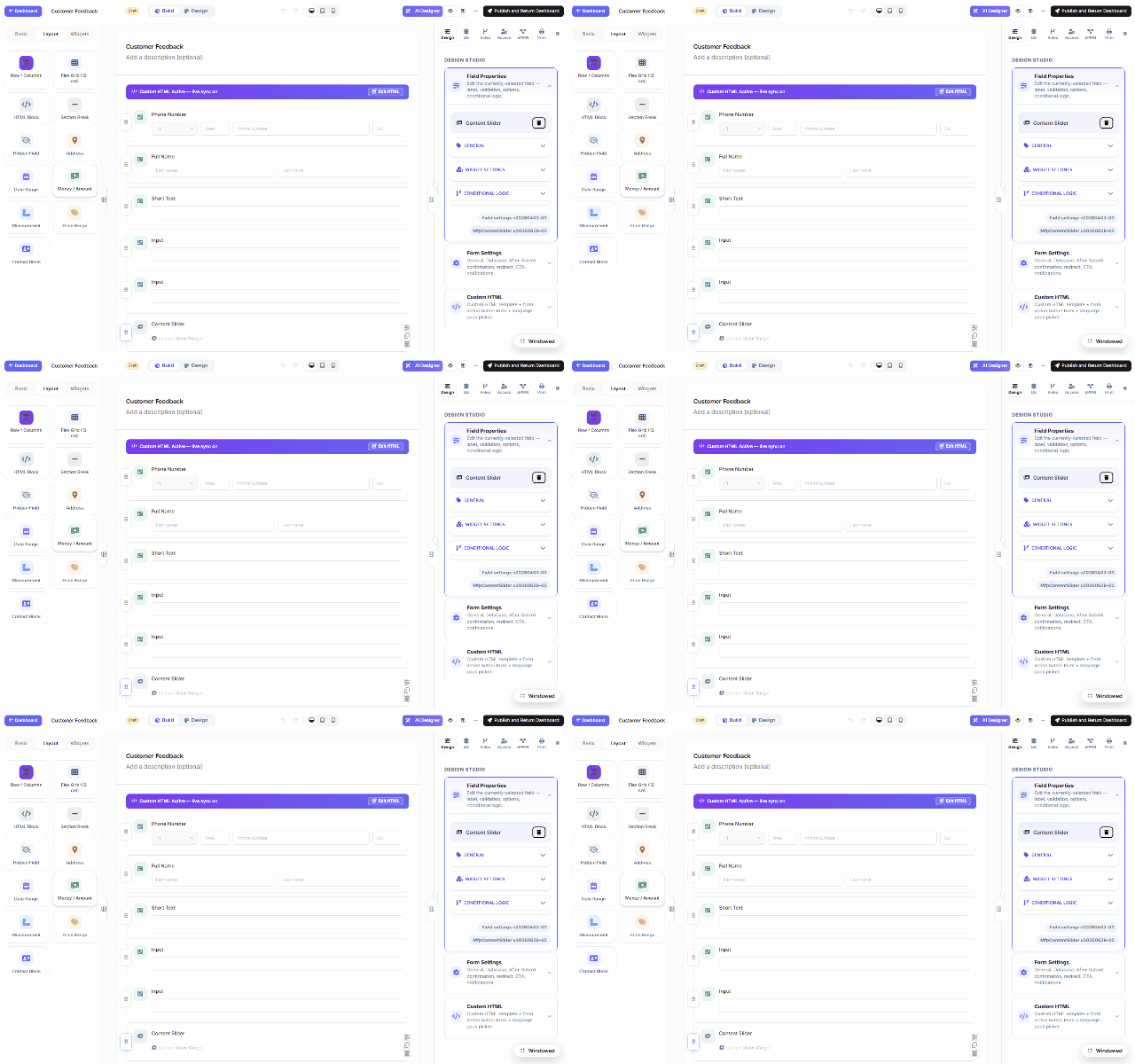
The Layout group
| Item |
Use |
| Row / Columns |
A row with 2+ columns; drop fields side by side (First/Last name, City/ZIP). |
| Flex Grid (12-col) |
Finer control — each cell spans N of 12 columns, responsive. |
| Section Break |
Titled separators that structure long forms. |
| HTML Block |
Free content between fields (sanitized server-side). |
| Hidden Field |
Values submitted but never shown. |
| Address / Date Range / Money / Measurement / Price Range |
Composite presets — one palette click drops a whole preconfigured group. |
Moving things
- Reorder — grab a field's ⠿ handle and drag it above/below any other field; a drop
indicator tracks the target as you move.
- Into columns — drag a field into a row's column; drag it back out to leave.
- Click-to-add places new palette items at the end — drag afterwards to position, or
select a field first and the next added item lands after it.
Multi-step forms add another level: the wizard's multi-step toggle (or the builder's step bar)
splits the canvas into pages with their own progress indicator — layout works the same within
each step.
Was this page helpful?