Not rated yet
The builder is MegaForm's full designer — a fullscreen canvas with a field palette on the left,
the live form in the middle, and per-field/per-form panels on the right. On DNN it opens from
the admin toolbar's Form Builder, from any form's row on the dashboard, or straight after
the wizard creates a form.
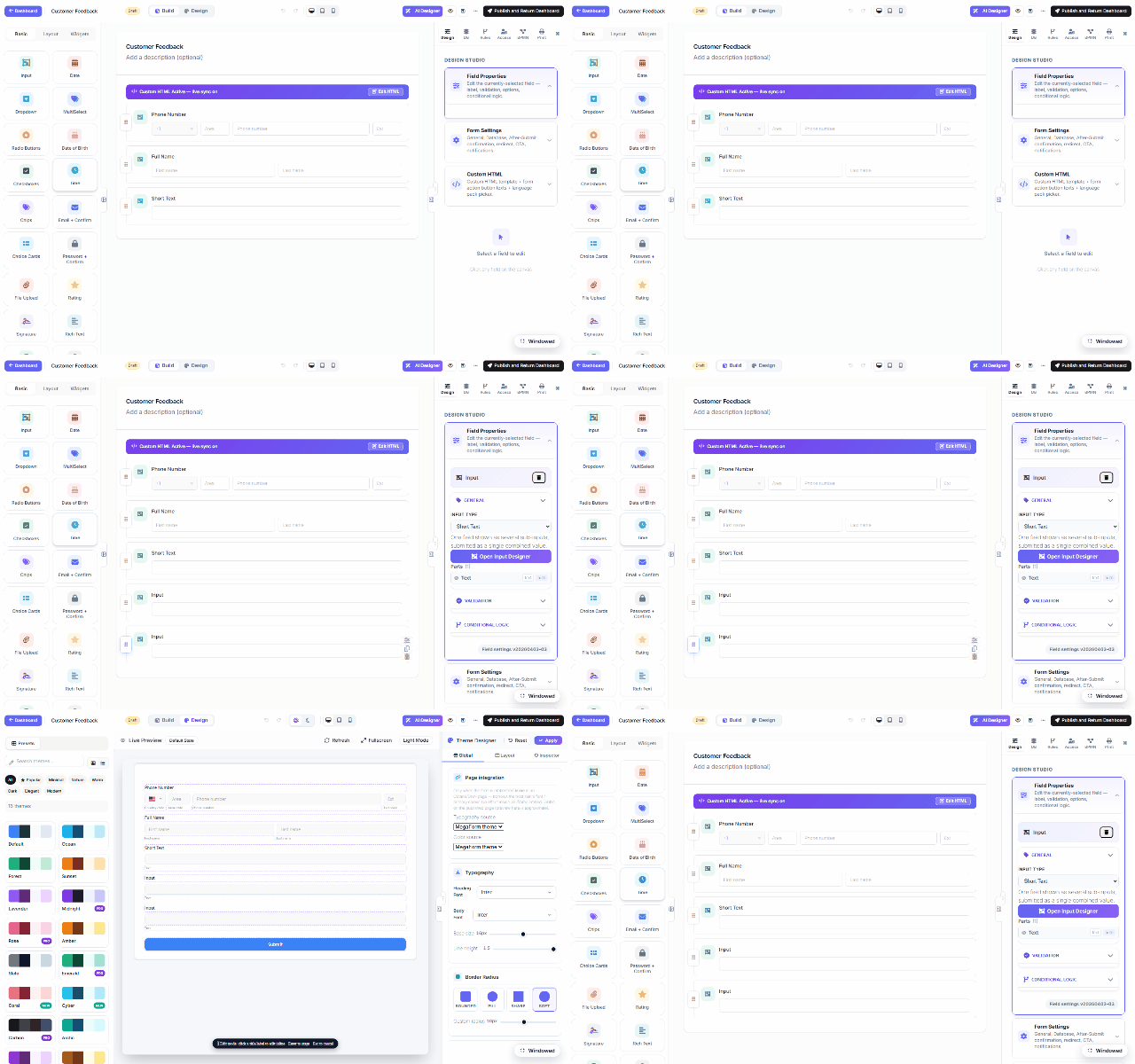
The layout
| Area |
What's there |
| Left — palette |
Three groups: Basic (Input, Date, Dropdown, MultiSelect, Radio, Checkboxes, Chips, Email + Confirm, Password + Confirm, File Upload, Rating, Signature, Rich Text…), Layout (rows, grid, sections — see Drag & Drop Layout) and Widgets (the advanced controls — see Controls & Widgets). Click to add; drag to place. |
| Center — canvas |
The form as users will see it, live. Select any field to edit it; drag handles reorder. Viewport toggles preview desktop/tablet/phone. |
| Right — panels |
Per-selection properties, plus form-level tabs: Design (theme), DB (write to your own tables), Rules (conditional logic), Access (permissions), BPMN (workflow), Print. |
| Top bar |
Build/Design mode toggle, undo/redo, ✨ AI Designer (describe changes in plain language), preview, save draft, and Publish and Return Dashboard. |
Draft → Publish
Every edit saves into the form's Draft; the public page keeps serving the last published
version until you hit Publish. That means you can rework a live form safely — the wizard's
output starts as a Draft too.
The builder UI is the same engine across DNN, Oqtane and the standalone host — a form designed
here exports/imports unchanged anywhere MegaForm runs.
Was this page helpful?