Not rated yet
Submissions & My Inbox (DNN)
Two surfaces handle everything that comes IN: Submissions (every record, admin view) and
My Inbox (each user's own workflow tasks). Both live in the Form Dashboard — and both can
be a dedicated DNN page.
Submissions
The Submissions section opens on a per-form overview (KPIs + a table of forms with counts,
completion and trends), and clicking a form drills into its grid — every submission as a
row, with the form's own fields as columns:
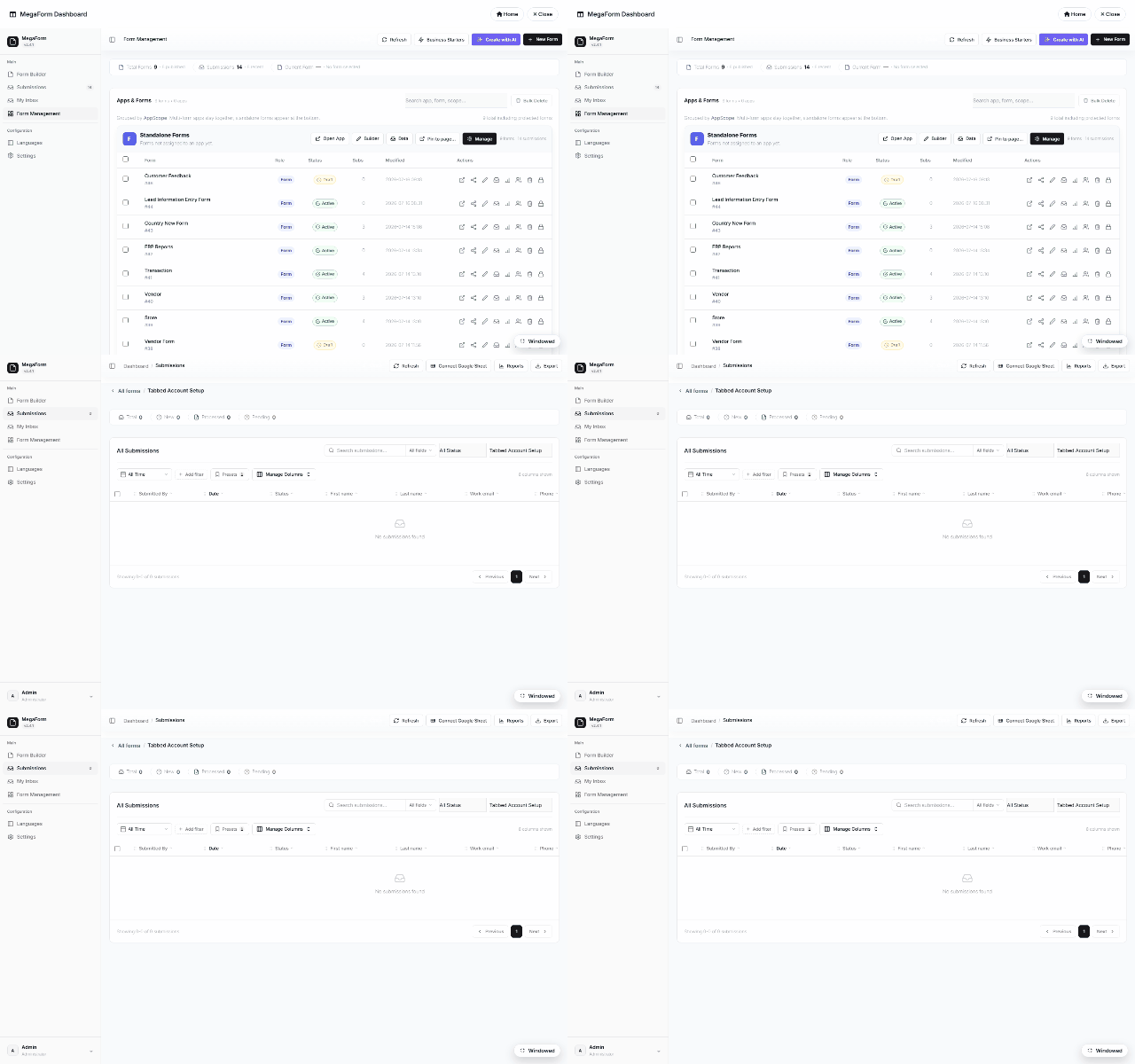
From the grid you can open any record's detail sheet (values, files, workflow history), change
status, print an A4 document of one submission, export CSV, connect a Google Sheet, or open
Reports. Filtering at scale gets its own page —
Submissions Grid — Filters at Scale.
My Inbox
My Inbox is the approver's view — only THEIR tasks, grouped by form, filterable by state
(Inbox, Assigned to Me, Forwarded, Completed, Starred):
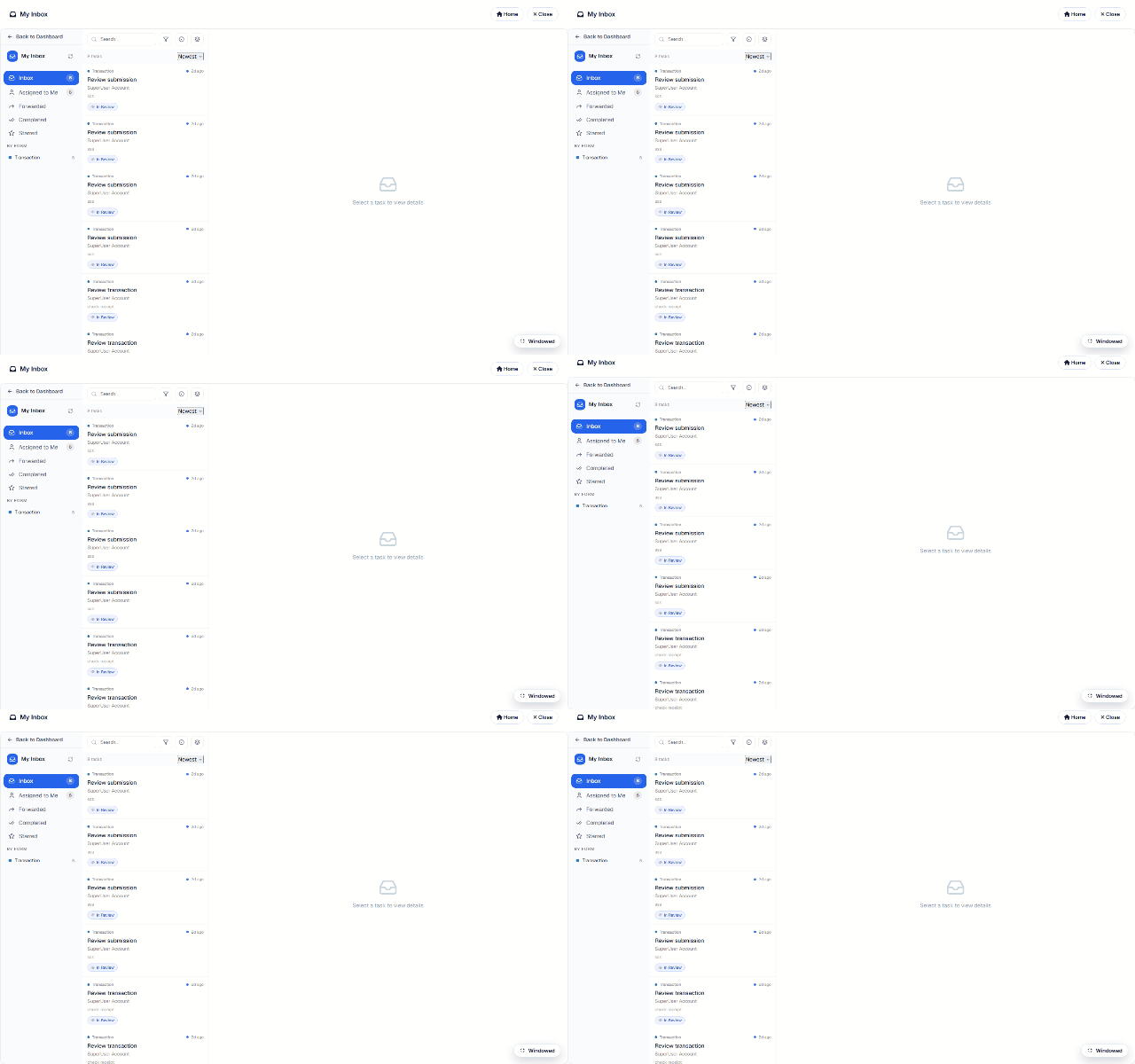
Opening a task shows the submission's responses plus the action bar — Approve / Reject /
Return / Forward / Comment / Print / Export — covered in
Approval Workflows & Inbox.
Who sees what
Submissions honor the form's Access matrix (Field permissions):
admins see everything; other roles need an explicit view/manage grant, and row-level rules
(own-records-only, approver-of-record) are enforced server-side. My Inbox is inherently
per-user — tasks are resolved from the workflow tables, never from the client.